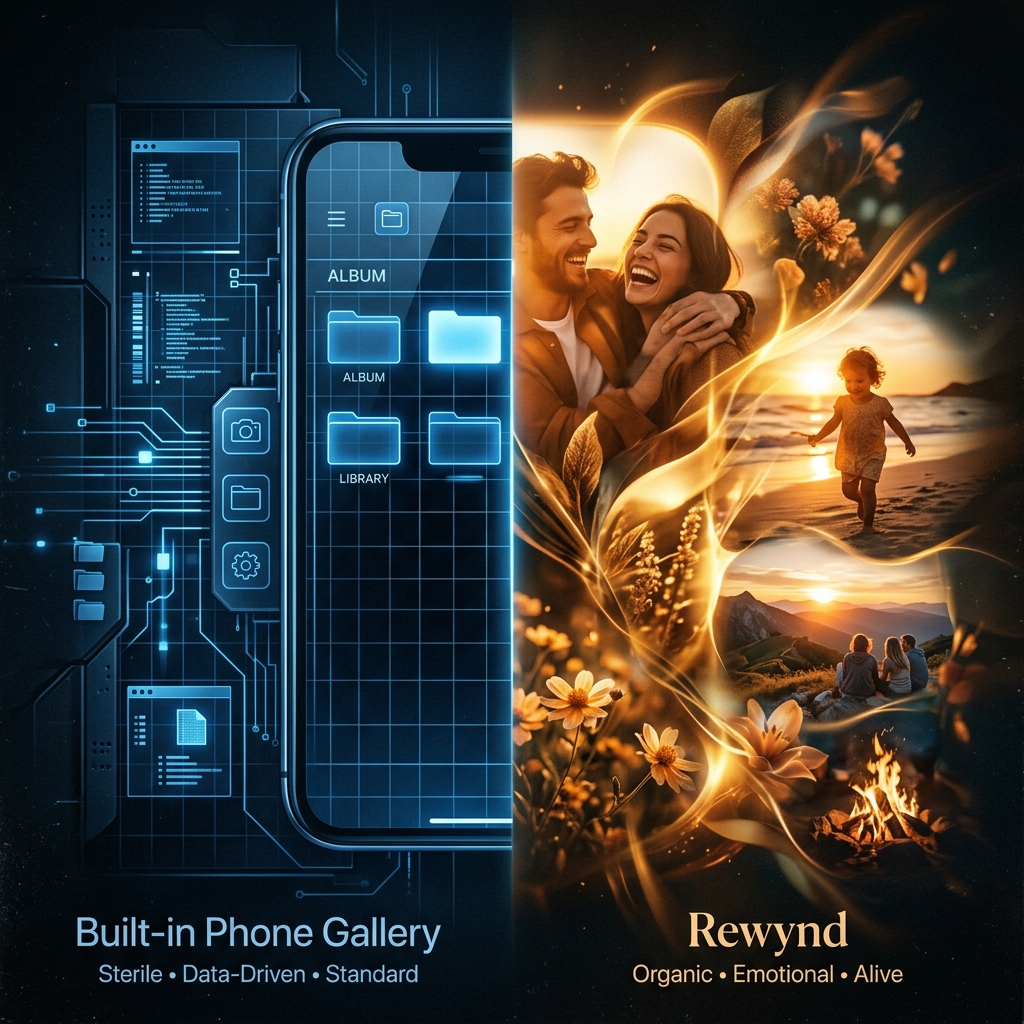
iOS and Android both ship a "Memories" feature. It's genuinely useful. It's also solving a different problem than Rewynd is. Here's the honest breakdown.
This comparison reflects the publicly known behavior of Apple Photos Memories and Google Photos Memories at a general level. Exact behavior varies by device, OS version, and your own settings.
| Built-in Memories (iOS / Android) | Rewynd | |
|---|---|---|
| What it's built to do | Surface a nostalgic moment every so often, with little narrative structure | Build one complete, emotionally meaningful story, start to finish |
| How photos are chosen | Mostly "on this day," or a broad theme, semi-random | Grouped by time, place, and similarity, then composed in sequence |
| Clutter cleanup | Doesn't clear duplicates or blurry shots | Clears duplicates and blurry shots before curating |
| Platform | Tied to one ecosystem, Apple or Google | Built for both iOS and Android |
| When it happens | Surfaces automatically, sometimes at unexpected moments | You choose when a story gets generated |
| Output format | Auto-generated slideshow or movie, fixed built-in styles | Cinematic video reel, plus a photo album version you can flip through yourself |
| Changes your photos? | No, applies transitions and music around your originals | Not automatically. Selection and sequencing happen on their own; enhancing a photo is available, but only if you choose it |
| Already on your phone | Yes, no download required | Requires installing Rewynd |
No download, no signup, no new account. If all you want is an occasional nostalgic nudge, the built-in version costs you nothing extra.
Tightly wired into your existing photo library and OS-level sharing tools, since it's built by the same company that built your phone.
Built-in Memories is designed to occasionally surprise you. Rewynd is designed to actually finish the job: clear the clutter across your entire camera roll and hand you a real, composed story, on your schedule, on either platform.